Guides · 10 tutorials
Learn Studio by making something.
Step-by-step tutorials with Studio's real screens, prompts you can paste to your agent and what each step costs. Pick a starting point, or follow them in order.
Start here
2 guides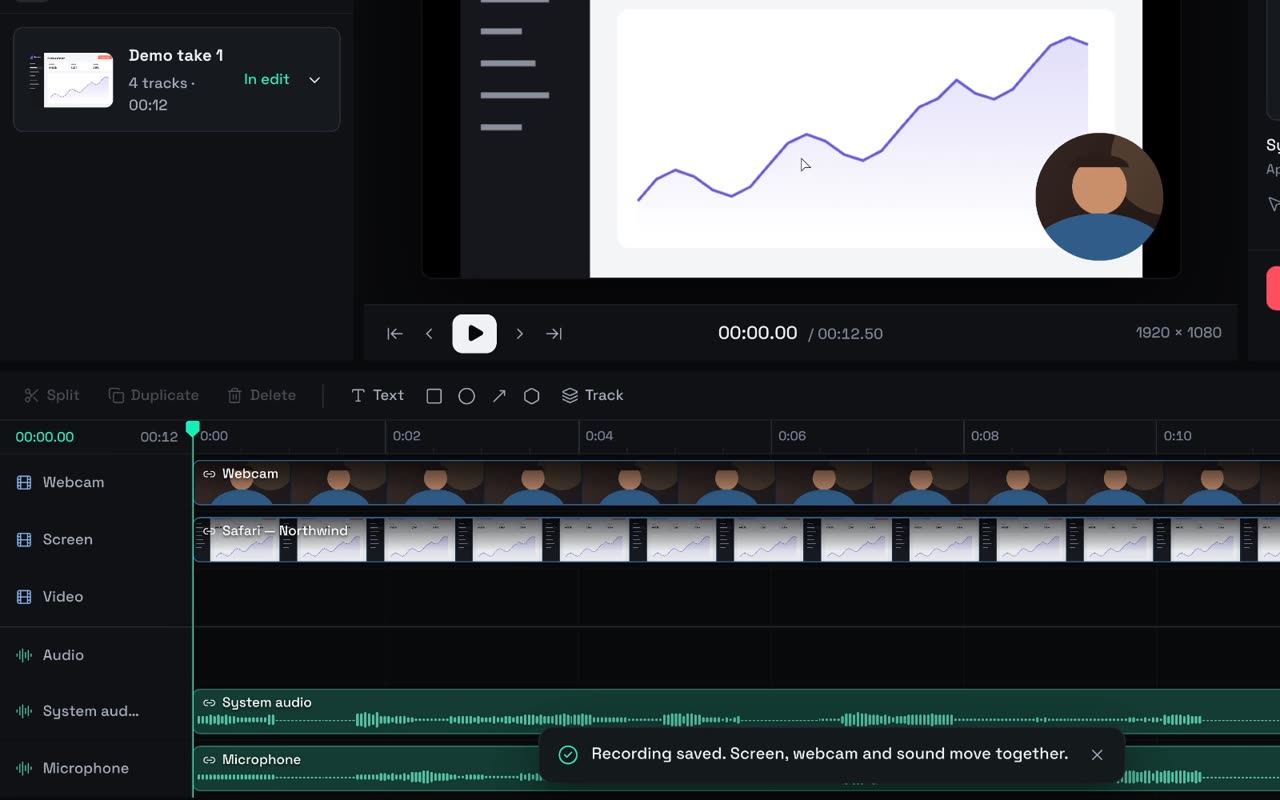 10 min
Start here
10 min
Start here
Your first launch video in ten minutes
Install Studio, record your app, trim it, add a title and export a 1080p MP4. Free, on your Mac, no account needed.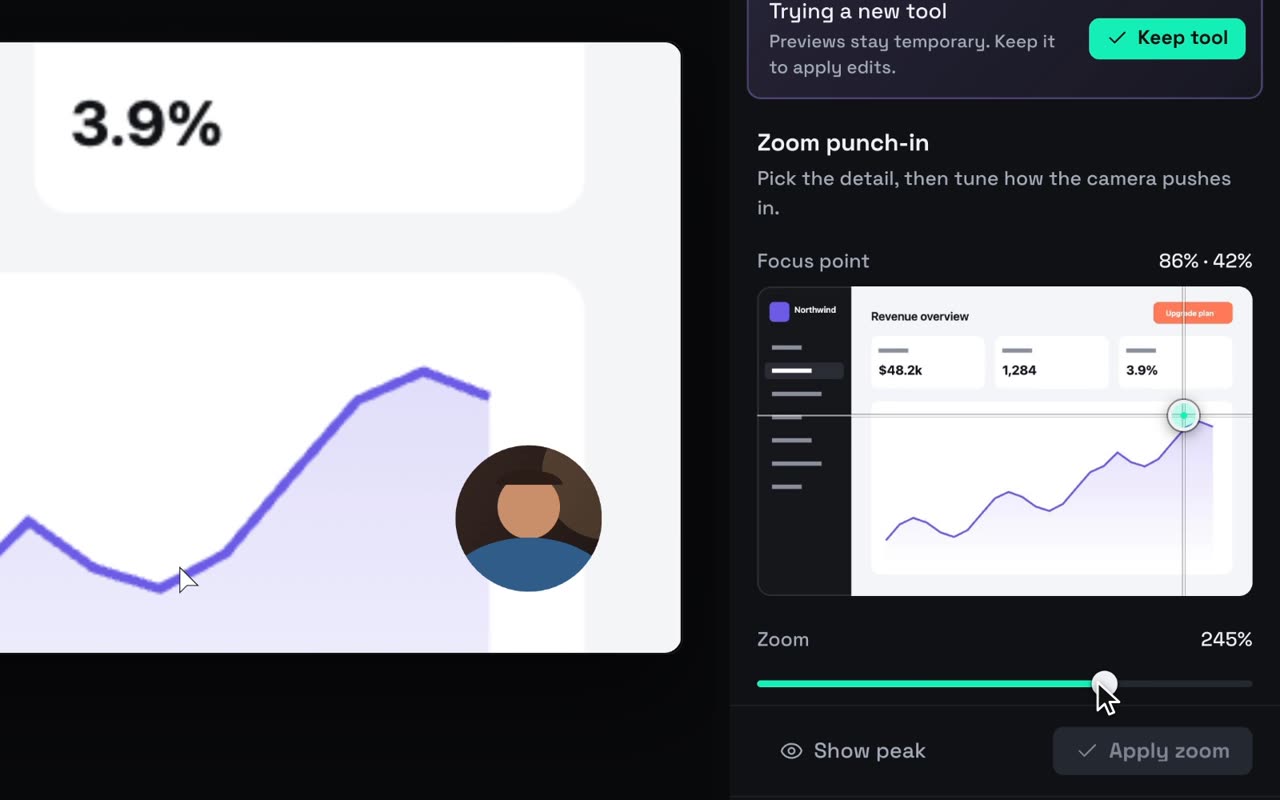 8 min
Start here
8 min
Start here
Connect the coding agent you already use
Plug your own Claude Code or Codex into Studio's Agent panel, or let Claude Code, Codex or OpenCode drive Studio from your terminal.Record & edit
1 guide
Agents
3 guides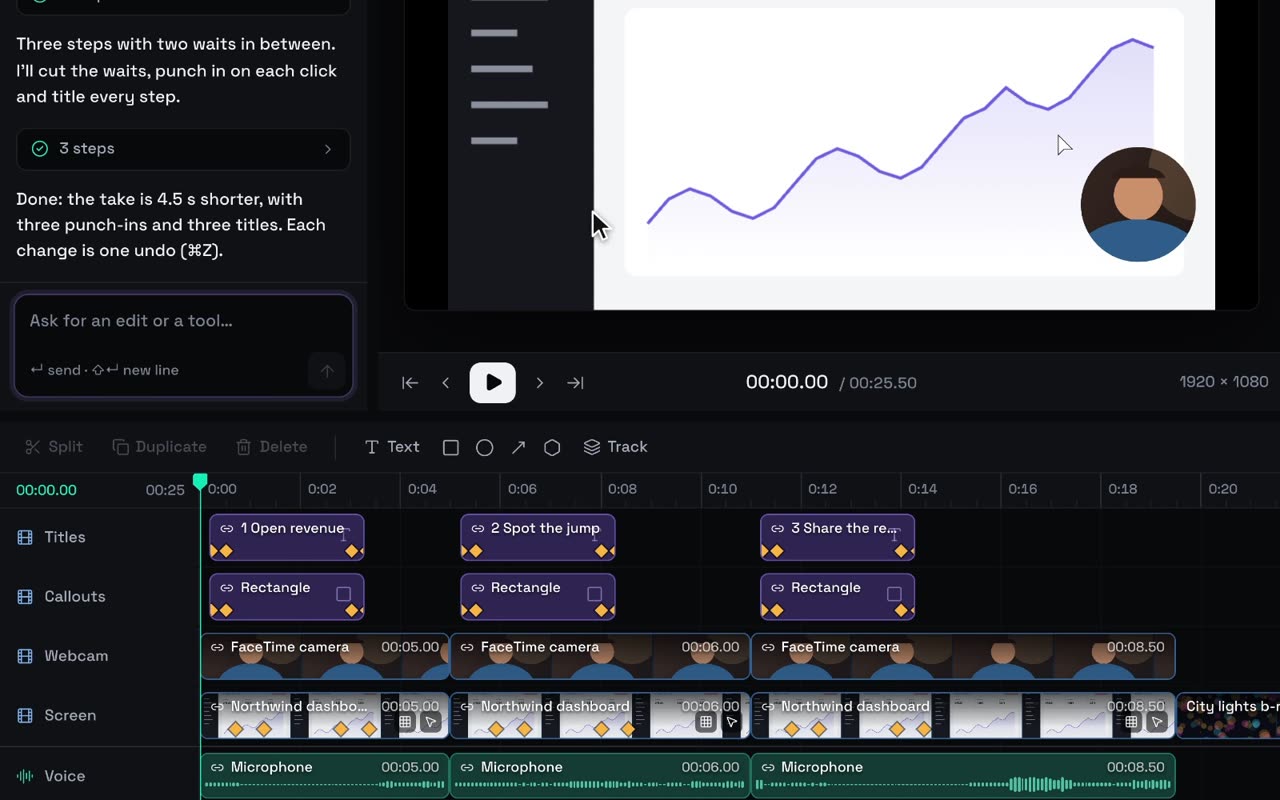 12 min
Agents
12 min
Agents
Polish a recording with your agent
Prompts that work in Studio's Agent panel: cut the waiting, zoom, crop, blur, title, change speed, voice it and pace it to music, with undo on every move.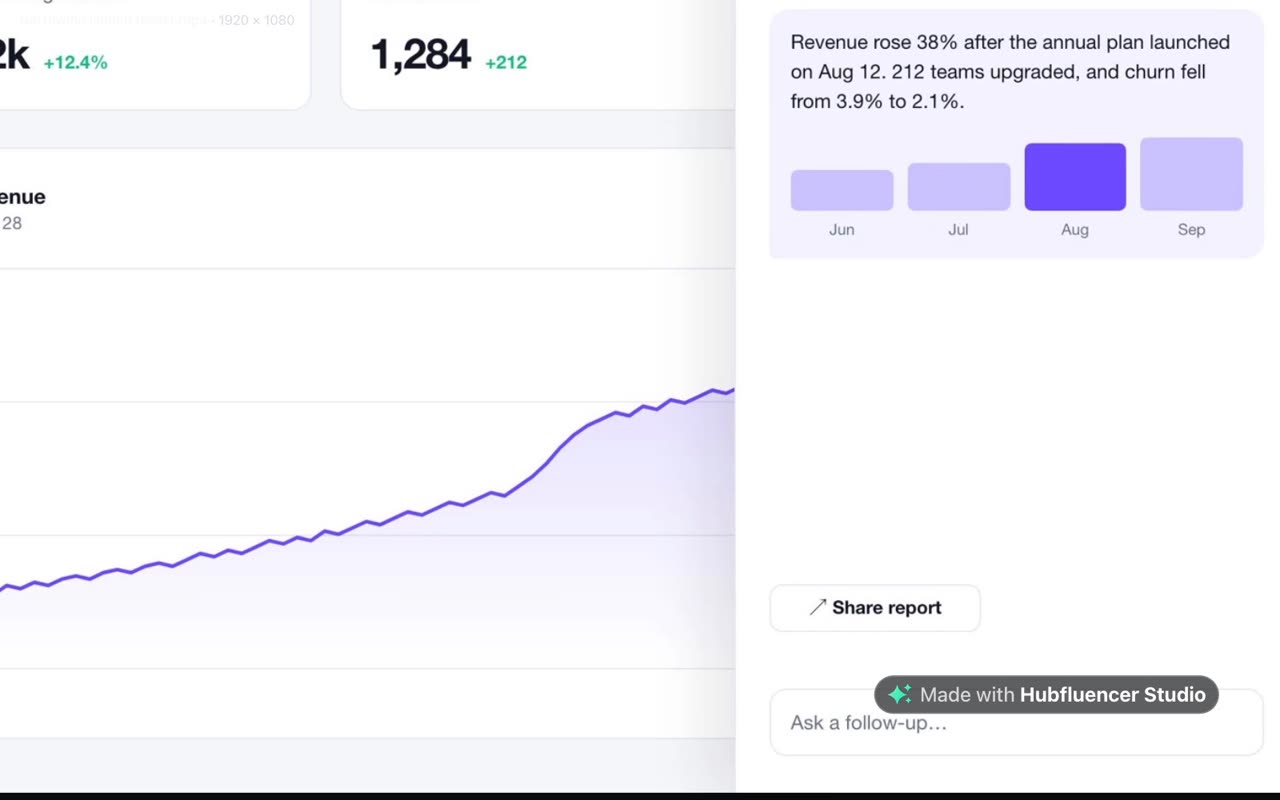 15 min
Agents
15 min
Agents
Drive Studio from your terminal
A full Claude Code session: import a recording, cut the dead time, zoom, add titles, music and a voiceover under a spending cap, then export.
12 min
Agents
Have your agent build you a tool
Describe the control you wish Studio had. Your agent writes it as one small panel, you try it on your video, and you keep it if it feels right.Generate
2 guides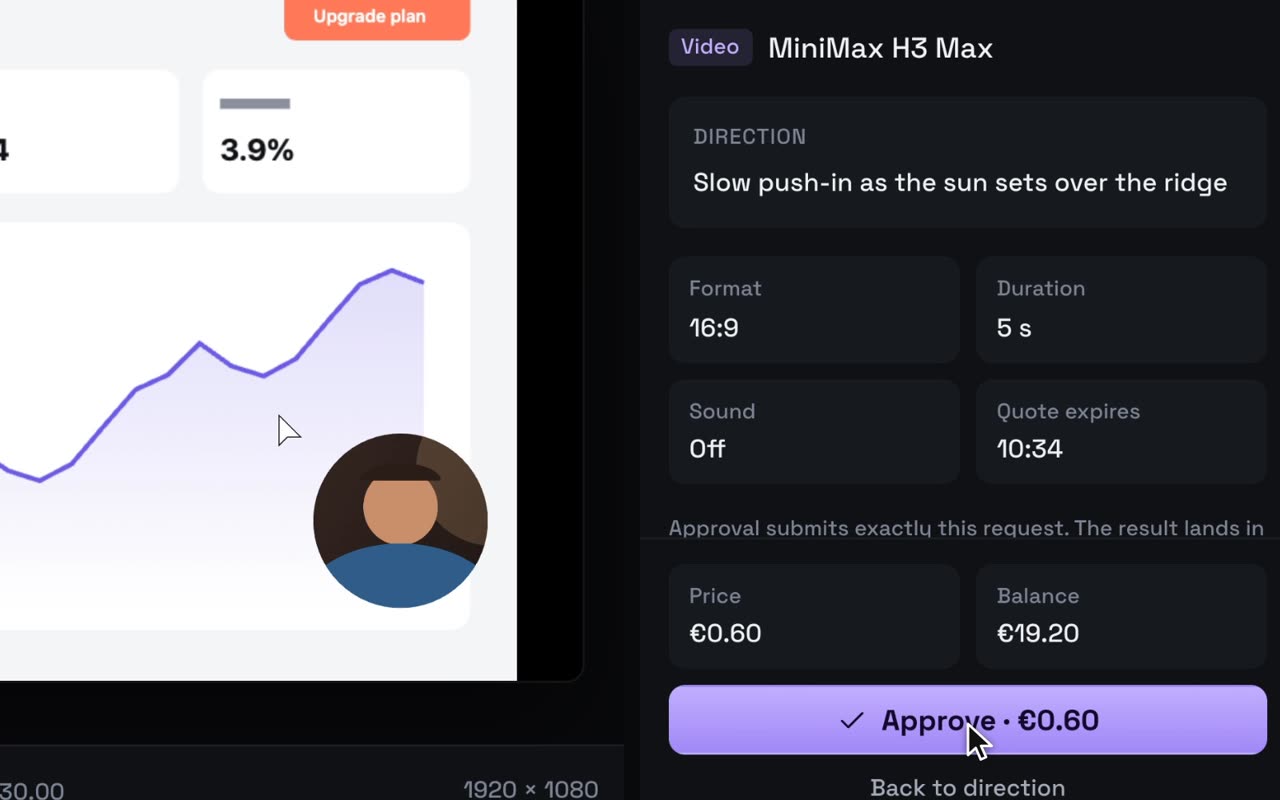 10 min
Generate
10 min
Generate
A product ad from one photo
One product photo in, a 15-second ad out: a moving hero shot, music and three lines of copy, priced before anything runs. Ours cost €1.90.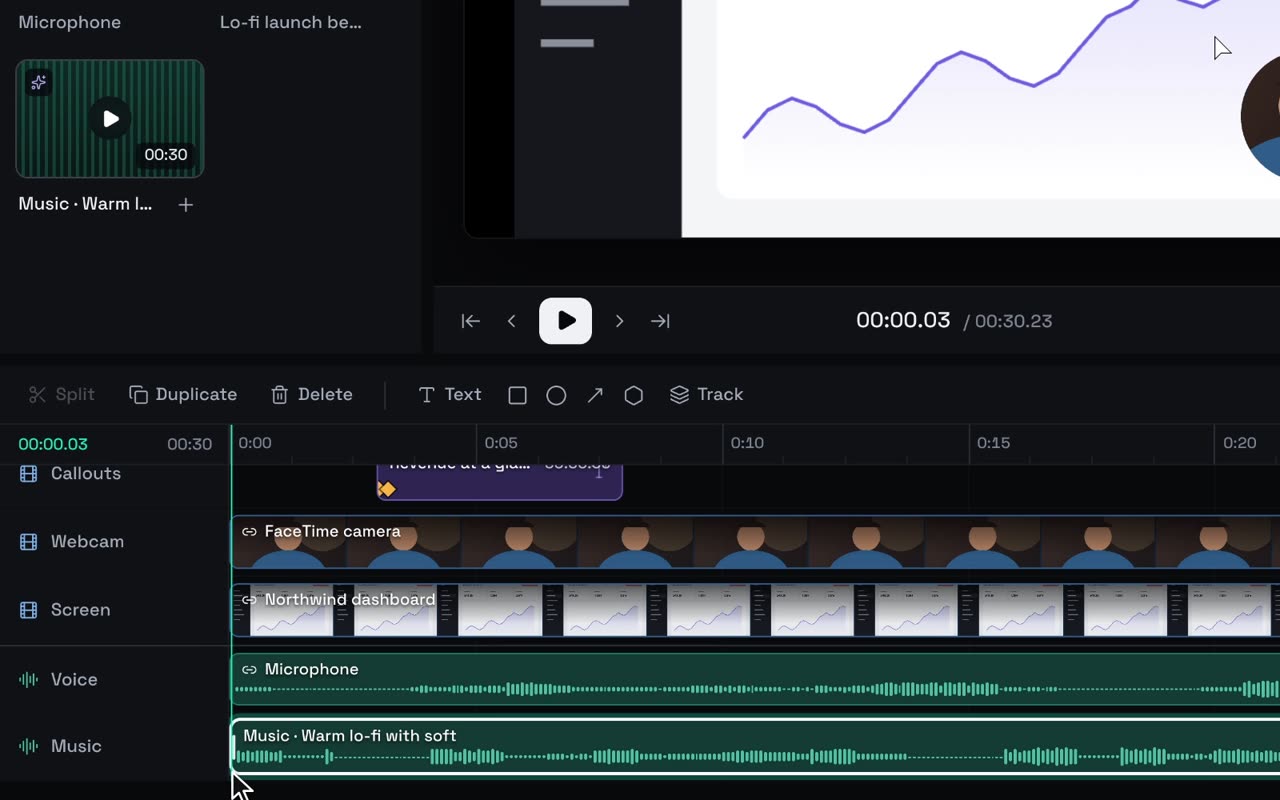 12 min
Generate
12 min
Generate
Music, voice and generated shots
What Studio can generate for your ad (images, video shots, music and voiceover), what each costs, how approval works, and why your footage stays the star.Series
1 guide
Ship
1 guideYour next launch deserves a trailer.
Studio is free to record, edit and export. Bring the coding agent you already use.