Your agent can run the whole edit from the terminal you’re already in. Studio opens in the background, does the media work on your Mac, and shows you every change. Here’s a full session, prompt by prompt, from a raw file to an MP4 with music and a voiceover, with the tool Studio runs at each step.
Before you start
- Studio is installed in Applications, and its bridge is registered with your agent. Connect the coding agent you already use covers both. The examples use Claude Code. Codex and OpenCode get the same tools.
- A recording, like
~/Desktop/checkout-demo.mov. A QuickTime capture works, and so does a Studio take. No footage yet? Ask your agent to open Studio’s sample project. - For the music and voice steps only: your Hubfluencer account connected in Studio, with a little balance. Everything else is free.
1. Open a project and import
In Hubfluencer Studio, create a landscape project called "Checkout launch" and put ~/Desktop/checkout-demo.mov on the timeline.
studio_statuslaunches Studio if needed and reports the open project, permissions, your balance and today’s agent spending.projectwithcreatemakes the project in~/Movies/Hubfluencer Studio. Landscape is 1920×1080, and portrait is 1080×1920 for social.import_mediacopies your file into the project and adds it to the timeline.
The first call triggers Studio’s one consent prompt. Choose Allow, and the agent is in until you quit Studio. While it works, a pill with its name sits in Studio’s top bar.
2. Look, then cut
Look at it before you cut. First cut the bit where I mistype the coupon code, somewhere around 0:40. Then remove the dead time. Tell me what you removed, in seconds.
get_contextwithreference: truereads the timeline and, once, the full list of edit commands.get_framewithseconds_listreturns one labeled contact sheet of up to nine moments.timelinewithcutremoves the coupon stretch (from_secondstoto_seconds) from every track and closes the gap. First, so “around 0:40” still points at the right moment.timelinewithtrim_idlecompares frames and cuts the stretches where nothing moves, plus short blank flashes like a page loading. It keeps 1.5 s at the start and 2 s at the end for a hook and an end card. Later clips move back to close the gaps.
Note
If the take includes your microphone, trim_idle won’t cut until your agent confirms, because a quiet screen can still carry speech. Tell your agent whether to cut anyway.
3. Zoom and titles
Zoom toward the action. Then put a short outlined title at the top for each step: "Add to cart", "Apply a coupon", "Pay in one tap". End on a centered card that says "Checkout, done." for the last two seconds.
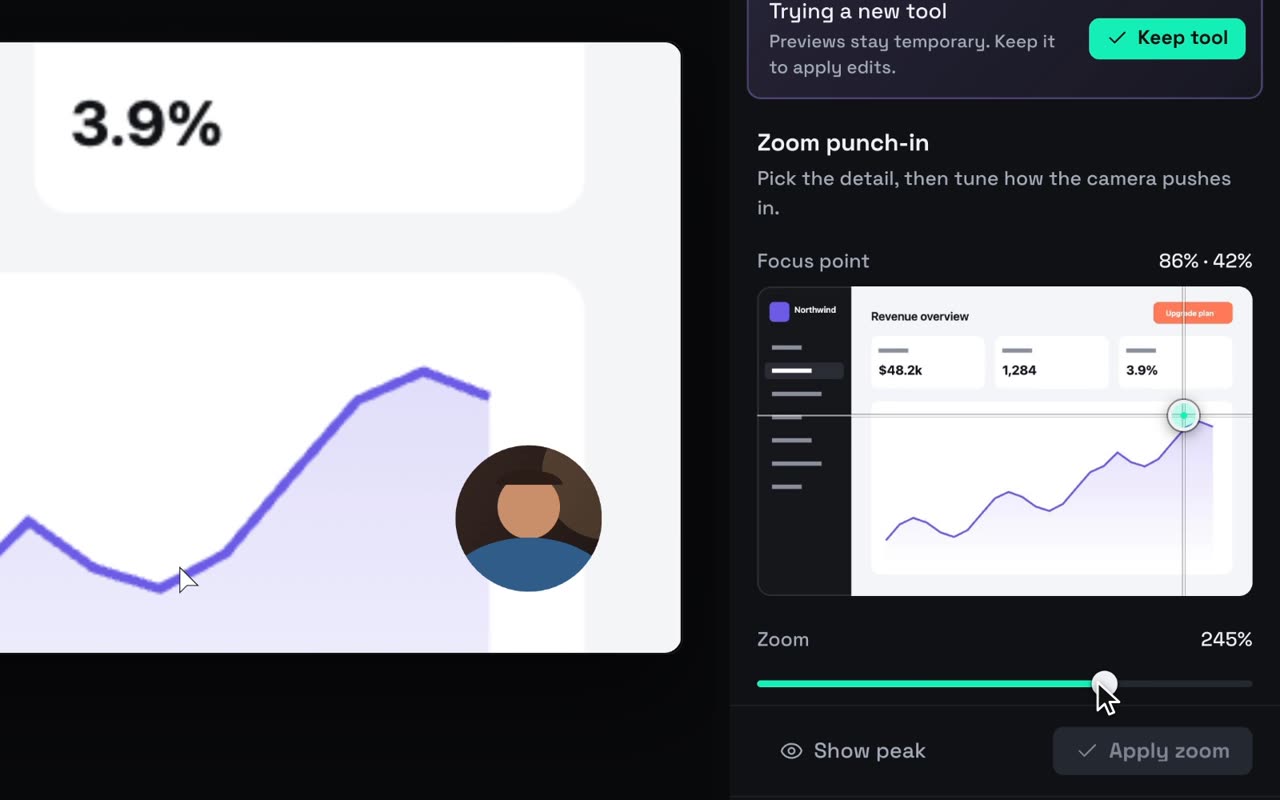
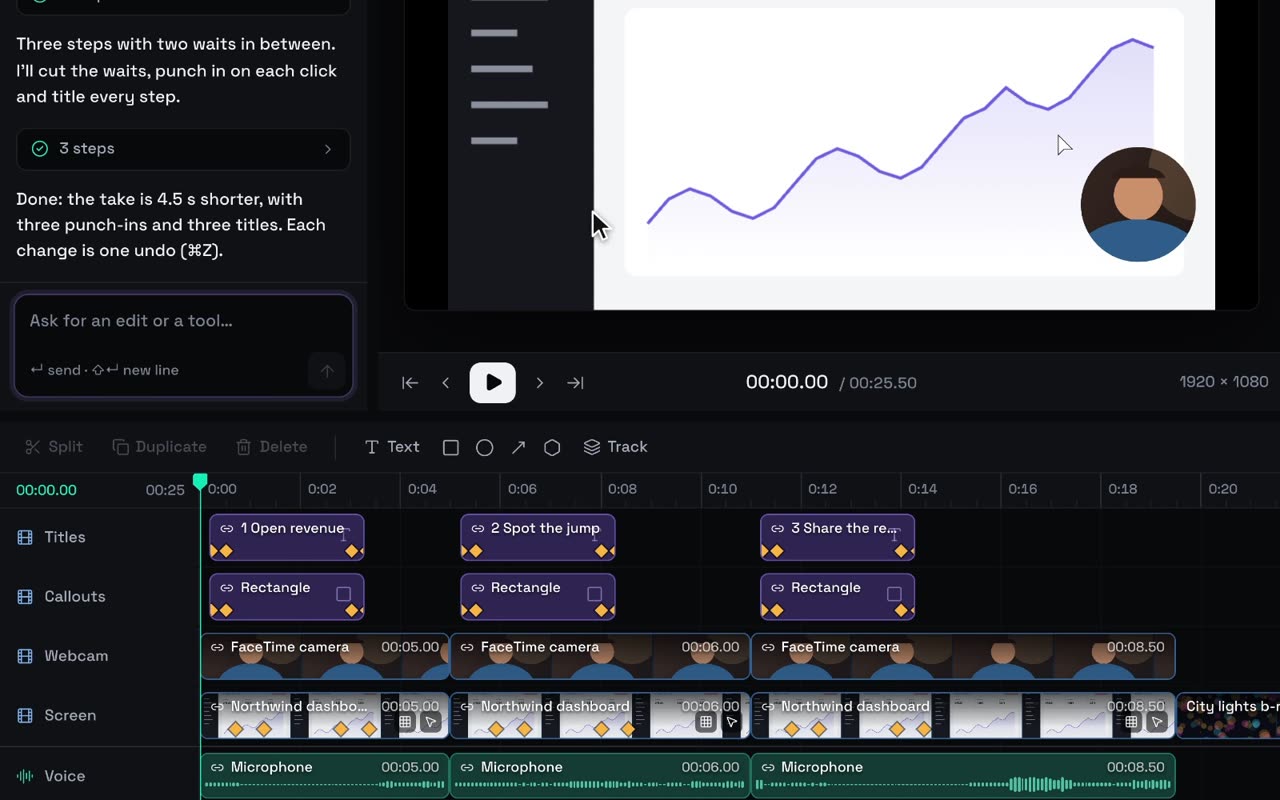
timelinewithauto_zoomadds eased zooms toward clicks, or toward small, steady changes on screen. It never zooms on scrolling. Recordings made in Studio carry your clicks. For an imported file, Studio works from what changes in the picture. Zooms come after cuts: Studio won’t cut dead time from a clip that already has zoom keyframes.commit_editadds all the titles in one undoable edit. Each step title is a text layer anchored to the top, with an outline so it reads on any background, and the end card sits in the center. Text boxes fit their words, and if a title gets cut off or runs past the edge, the answer warns your agent so it can fix it.
These are titles in your words, not a transcript of your voice.
4. Music and a voice, inside a fence
Add 20 seconds of upbeat, minimal electronic music under this. Tell me the price first.
generate with quote prices an instrumental track of duration_seconds: 20 and returns a quote with an expiry. Nothing is charged at this step. Your agent tells you the price: 0.10.
OK, approve it, up to 0.10.
approve_generationspends your balance on that quote, withmax_cost: {amount_minor: 10, currency: "EUR"}. Amounts are in cents or pence, in your account’s currency.- Studio refuses the approval if the price is above
max_cost, if it would go past your daily limit, or if the quote has expired. generatewithjobsandwait_seconds: 45waits in a single call until the track has imported into Media.commit_editplaces the track under the edit and fades it out with gain keyframes.
Then the voice:
Now a voiceover: one line per step, eight words at most, in the voice I use in Studio. Quote all three together.
generatewithcatalogalso lists voices your agent can pass as avoice_id. Without one, each line uses the voice you last picked in Studio’s Generate ▸ Voice, or your language’s default.generatewithquoteand three{kind: "voice", text}drafts returns one batch quote: 0.15 a line, 0.45 in all. After your OK,approve_generationspends it withmax_cost: {amount_minor: 45, currency: "EUR"}.- Once the lines have imported,
timelinewithseekmoves the playhead to each step andadd_assetputs the line there, on an audio track called Voiceover.
The daily limit lives in Settings ▸ Agents ▸ Spending. Daily limit for agent approvals starts at 10.00, and Approved by agents today shows what’s been used. Set the limit to zero, and you approve every charge yourself in Studio.
5. Check and export
Check the first and last seconds, fix anything that looks off, then export to ~/Desktop/checkout-launch.mp4.
get_framegives one more contact sheet of the hook and the end card.export_videowithstartrenders an H.264 MP4 at 30 fps (1920×1080 here) on your Mac. It keeps one copy in the project’sexportsfolder and saves another where you asked. If the render takes longer than about 45 seconds, the agent checks back withstatus.
Free exports carry a small Studio badge, and the Studio licence removes it. Because the edit now contains generated music and voice, Studio also adds a small AI label to the export by default.
What it cost
| Step | Tools | Cost |
|---|---|---|
| Import, cuts, zooms, titles | import_media, timeline, commit_edit |
Free |
| 20 s of instrumental music | generate, approve_generation |
0.10 |
| Three voiceover lines | generate, approve_generation, timeline |
0.45 |
| 1080p export on your Mac | export_video |
Free |
| Total | 0.55 |
Same number in EUR, USD or GBP. Your agent’s own usage counts against your Claude, ChatGPT or other provider plan.
Stay in charge
Click the pill with your agent’s name in Studio’s top bar (it’s also a card at the top of the Agent tab). It lists what the agent did, like “Zoomed toward the action” or “Approved generation: 0.10 EUR”.
- Undo agent changes takes back the agent’s latest steps in one go and stops at your own edits.
- Disconnect cuts the agent off now. It can reconnect from your terminal, and Studio asks again.
- Or tell your agent “undo that”.
timelinehasundoandredo.
The 13 tools in plain words
| Tool | What it does |
|---|---|
studio_status |
Launches Studio if needed. Reports what’s open, permissions, balance and today’s agent spending |
project |
Opens a recent project, a folder or the sample. Creates and lists projects |
import_media |
Copies 1 to 20 video, image or audio files into the project |
get_context |
Reads the timeline, and once, the list of edit commands |
get_frame |
Looks at one moment, or a contact sheet of up to nine |
commit_edit |
Makes one undoable edit, all or nothing |
timeline |
Cuts, trims dead time, zooms, fits, places a clip at the playhead, undoes, redoes and plays |
record |
Lists windows and records one. Captures the picture only unless asked. Marks where the agent clicks. Records your voice-over |
export_video |
Renders the MP4, checks status, cancels |
generate |
Shows the catalog, voices included, and quotes. Never charges |
approve_generation |
Spends, within max_cost and your daily limit |
custom_panel |
Builds you a control panel inside Studio |
series |
Runs Series mode: shows, cast, episodes. Your agent writes the writers’ room’s answers itself |
Agents that support MCP prompts also offer three shortcuts: launch_ad, polish_take and export_for_social.
Tip
Rather record than import? Ask your agent to record a window while it drives your app with its own browser or simulator tools. Then it stops with fit: "fill" and polish: true, which cuts the waits and zooms toward the clicks it marked. You grant Studio Screen Recording permission once, yourself.
Next
- Polish a recording with your agent: the same ideas, in Studio’s Agent panel.
- Connect the coding agent you already use: setup, consent and the spending fence.