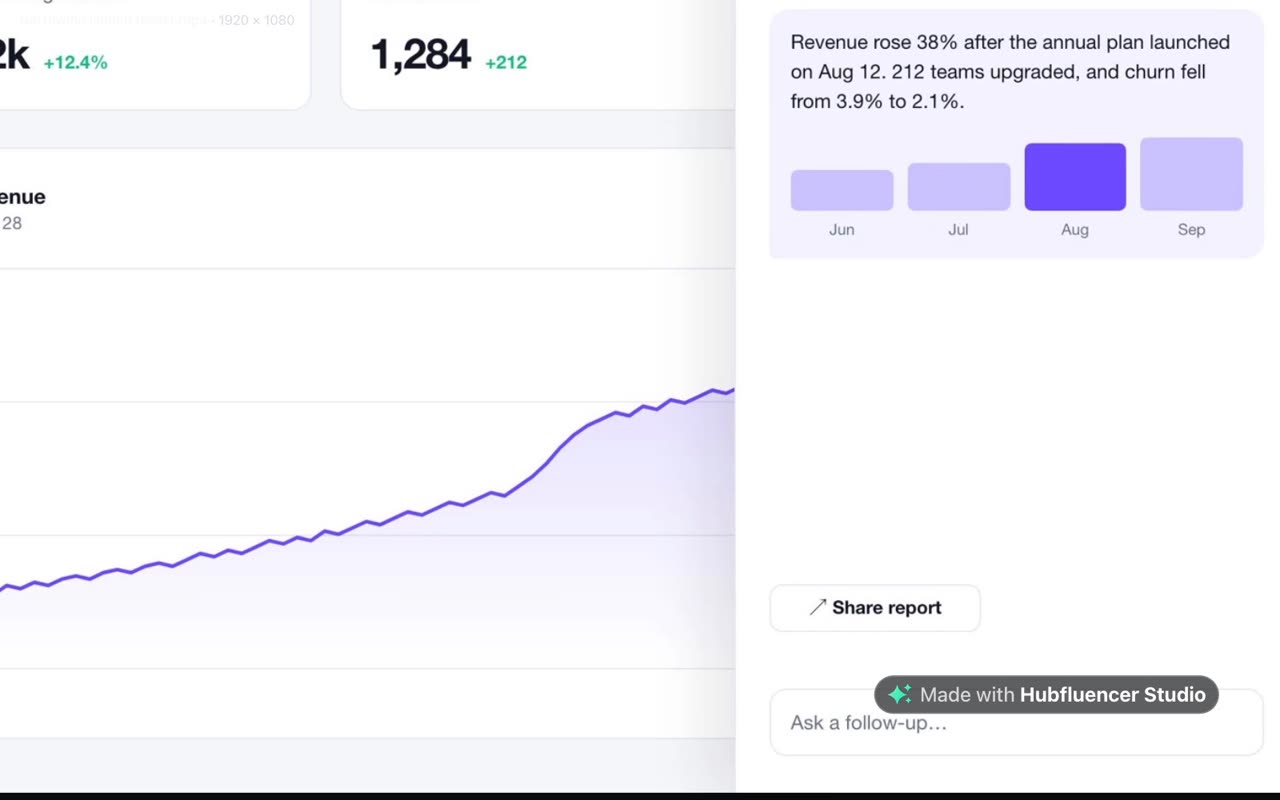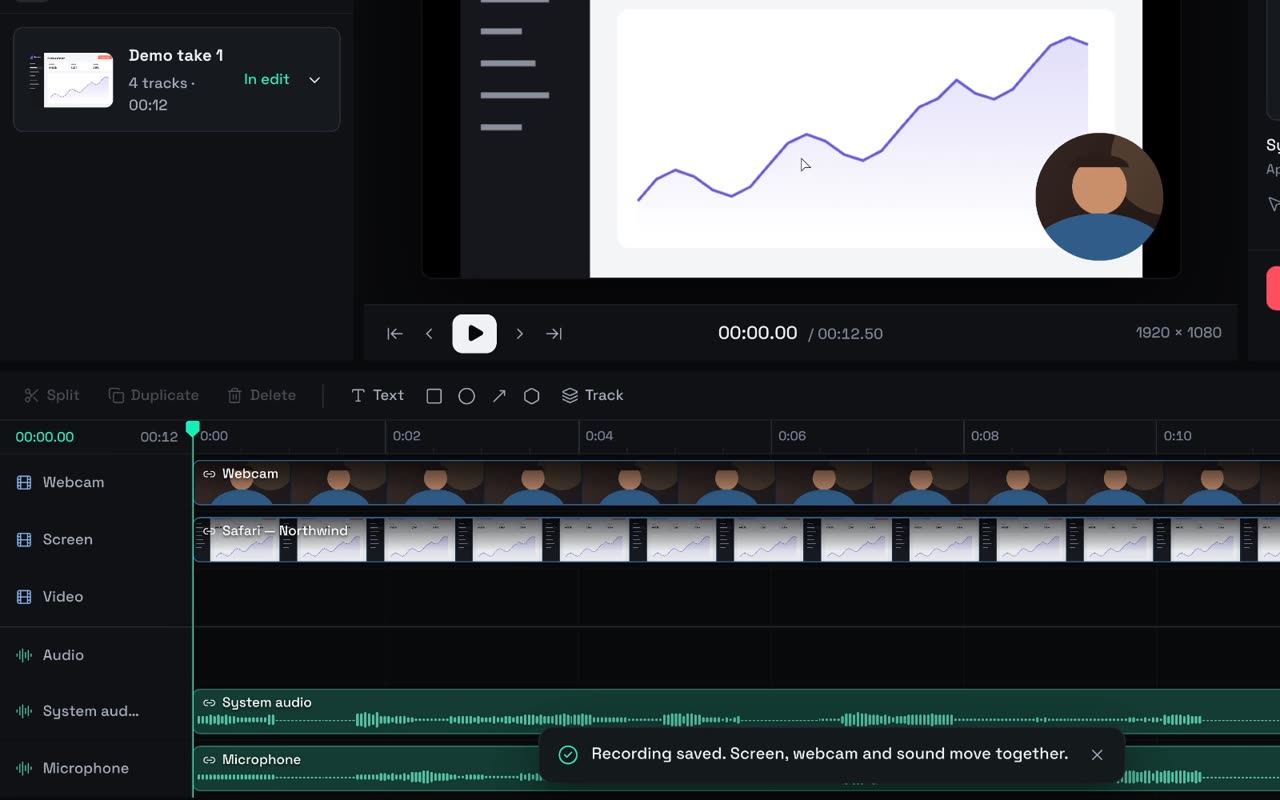
Series is Studio’s story workflow. You pitch a show or bring your own script, cast its characters once, and each episode is an ordinary project whose timeline starts as an animatic and fills up with real shots as you film them. A series is generated by design, and every picture, shot, voice and track shows its price and waits for your OK.
Note
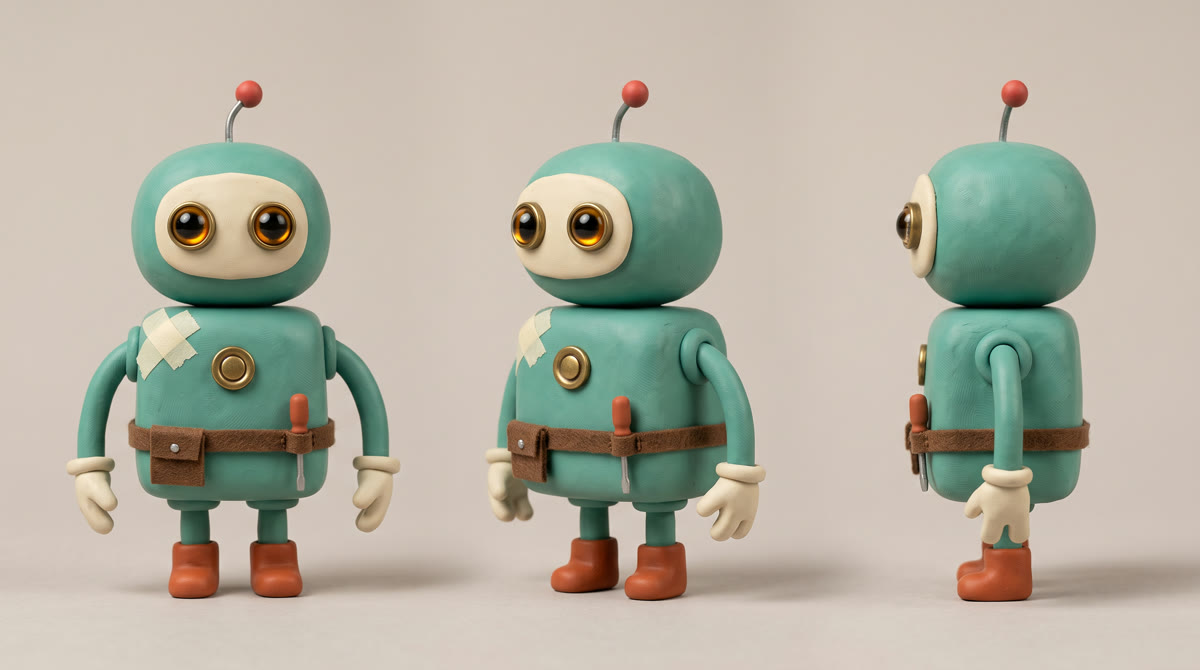
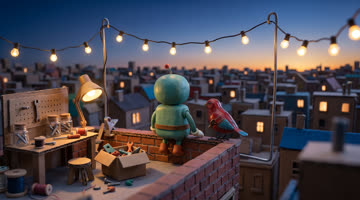
We made Bo by calling the same models with the same settings Series uses: cast-sheet references, H3 Max shots and ElevenLabs music. So the walkthrough below uses Studio’s own screens, and the receipt at the end uses Studio’s prices.
Before you start
The writers’ room (pitches, plans, punch-ups, the wrap) is written by your own Claude Code or Codex, on your own subscription, so Studio charges nothing for it. Connect one first (here’s how). Pictures, shots, voices and music are paid from your Hubfluencer balance.
Pitch the show
On Studio’s home, switch from Projects to Series. Pitch a new show starts from A pitch line or My scenario. For a show like Bo’s, one line in Your pitch is enough. Pick a format and press Pitch it:
A small clay robot runs a rooftop workshop and fixes one broken thing per episode.
More options opens the pitch room with every setting:
- Format: Sitcom, Micro-drama, Cartoon, Anime, Mockumentary, Mascot series or Drama. Micro-drama and Mascot series are vertical (9:16), the rest 16:9, fixed at greenlight.
- Look: twelve presets, from Claymation (Bo’s) to Film noir, or Your own look.
- Vibe, Episode length (60 s, 90 s or 3 min) and Language.
The room sends back a title, a logline, a look, three characters and two or three places. Lock the cards you love and press Rewrite unlocked cards for the rest. A one-line pitch draws six pictures, about 0.90, quoted first. When it looks right, press Greenlight the show.
Drama is the realistic format: establishing and insert shots, camera moves, lines spoken off-screen. A new drama shoots on H3 Max at 1080p with a picture finish (scope bars, light grain and vignette), both changeable later.
Or start from your script
Choose My scenario and paste up to 12,000 characters of scene headings, action and dialogue, in the usual screenplay forms:
INT. RADIO OBSERVATORY - NIGHT - 1962

Thomas leans into the static.

THOMAS: Say that again.

ECHO (V.O.): Hello, Thomas. I'm calling from 2091.
V.O. or O.S. means heard, not seen. The counter shows how long the script runs on screen, which sets the episode length. Press Pitch my scenario: the room casts every speaker (a portrait each) and takes the places from the scene headings (a still each). After greenlight, the show home offers Plan episode 1 from your scenario.
Cast your characters
Each card becomes a character in your Cast library, which belongs to Studio, not one show. Open one to reach the Casting room:
- Draw the portrait (0.15) or import a picture. Every other sheet picture starts from it.
- Turnaround, Expressions and Wardrobe: the views, moods and outfits your episodes need.
- Voice: the pitch already wrote how they sound. Design a voice has ElevenLabs design one from those words (0.15), and Screen test films five seconds of them speaking (0.60). Use this voice picks one, and every shot of that character speaks in it.
A first designed voice becomes the voice by itself, even on a locked sheet: Studio keeps that version and makes the next one, locked too, so earlier shots keep theirs. A character who is only heard needs a voice, not a portrait.
Plan the episode on the board
Press Write episode 1 (or Draw a premise). The episode opens on the Board; the bar above switches between Board, Edit, Shoot and Wrap. Write a premise and press Plan the episode:
At dawn, Bo brings a broken tin bird back to life.
From a script, press Plan from my scenario. The room follows it scene by scene, every line word for word. A speaker missing from the cast gets Bring in as a guest or Add to the cast before you plan, and lines the plan leaves out are listed after. A script longer than five minutes offers Split into episodes.
Select a panel to write it:
- Scene heading · optional, Opening picture (what the still shows) and What happens.
- Camera: a Framing (Establishing, Wide, Medium, Close, Insert, Low or Over shoulder) and a Move (Static, Push in, Pull out, Pan, Tilt, Track, Crane, Handheld or Orbit), or leave the move to the model.
- Length: 5 to 15 seconds, set with Shorter and Longer.
- Dialogue: lines performed in the shot, in the speaker’s voice. Off-screen marks a line that’s heard, not seen. Punch up the line offers three rewrites.
Stuck? Draw a card and Pitch me a panel pitch ideas. Changed the script? Re-plan this scene sits on each scene divider, and Re-plan from my scenario redoes the board. Nothing changes until you apply it, and kept panels keep their stills and takes.
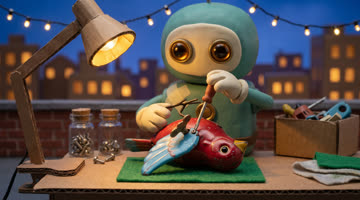
Bo’s episode has five panels of about six seconds each: blue hour on the roof, the broken bird, the tiny repair, the bird flies, sunrise.
Read-through: the timeline is the animatic
Press Start the read-through. Studio quotes a still for every panel that doesn’t have one, in one review (0.15 each). Approve, and the episode switches to Edit: stills on the Panels track, captions for the lines, the theme song, if any, opening the Music track. Watch it all before paying for a shot. A still drawn before you edited its panel is marked Outdated.
Generate a theme song on the show home makes a 10–55 second instrumental that opens every episode, and Score this episode in the Episode tab scores the rest. Up to 20 seconds costs 0.10.
Shoot day
The banner now offers Shoot all 5, one review for every shot. Approve it and Shoot day opens. A shot whose still is still drawing waits for it, and each finished shot replaces its still on the timeline. On H3 Max, a dialogue shot opens exactly on its still, with the cast’s pictures and voices. Each shot is charged when it starts, and a failed one is refunded.
Another take reshoots a panel, and the newest take shows. Check faces has your agent compare a frame with each character’s sheet; Studio uploads the frame once, after you allow it. Two of Bo’s five shots got a second take.
Choose the model and the finish
Edit the show (the pencil on the show home) picks the Video model for new takes and screen tests, and for H3 Max a Resolution:
| Model | 8-second shot |
|---|---|
| MiniMax H3 Max, 768p | 1.00 |
| MiniMax H3 Max, 1080p | 1.95 |
| Wan 3.0, 1080p | 2.40 |
| Seedance 2.5, 720p | 2.80 |
For talking characters, H3 Max is the safe pick: Wan 3.0 follows locked voices loosely; H3 Max keeps them. The show’s menu also offers Add a picture finish: a Matte, a Grade, Grain and a Vignette for every episode.
Wrap and export
Wrap the episode opens That’s a wrap, where Ask the writers’ room suggests what carries into the story so far and premises for next time. Keep what you like, or press Wrap without changes.
Under Take it out into the world, Full episode exports an MP4, with music ducked under dialogue and loudness at −16 LUFS, common for streaming. Show AI-generated content badge is on by default. Exporting is free; without the Studio licence it carries Studio’s small badge. Then press Write episode 2.
Let your agent help
Inside an episode, ⌘ K asks your agent. It reads the board and the cast, edits panels and opens reviews. Only you approve anything paid.
Read episode 1 on the board. Keep five panels of 6 seconds. In panel 3, make the repair tiny and exact: one screwdriver turn, and the wing clicks back on its hinge. Then open one review for all five stills. Don't shoot anything yet.
A terminal agent (Claude Code, Codex or OpenCode) can run the whole flow, writing the writers’ room’s answers itself (Drive Studio from your terminal). It waits for your yes before spending, within a daily cap.
What it cost
Prices are in your account currency, and the number is the same in EUR, USD or GBP.
| Step | For an episode like Bo’s | Price |
|---|---|---|
| Pitch, plan, punch-ups, wrap | Your own agent | Free in Studio |
| Cast sheet | 3 pictures, made once and reused in every episode | 0.45 |
| Stills | 5 | 0.75 |
| Shots | 5 H3 Max shots at 768p, plus 2 retakes | 0.60 each at 5 s, 1.00 at 8 s |
| Music | Theme and score | 0.10 up to 20 s, then 0.25 a minute |
| Editing and export | Free |
Five stills and five 5-second shots come to 3.75, or 5.75 with 8-second shots. A retake costs the same as a first take, and a show that talks adds 0.15 per designed voice. An H3 Max shot sending several reference pictures can cost a few cents more, so read each review before you approve.